
Every business has a backup of some kind, and many assume that means they have a recovery plan. They are not the same thing. A backup is a copy of your data. A recovery plan is the answer to a much harder question: after an outage, a ransomware attack or a failed server, how long until people can work again, and how much recent work will be lost?
Disaster Recovery as a Service, or DRaaS, is one way to answer that question without building a second data center. This guide explains the problem, how DRaaS works, and how to decide whether it fits. It is written for business owners and IT leaders who want to make a sensible decision before an emergency forces one.
The problem: backups that have never been tested
Many organizations discover the gap at the worst possible moment. The backup job has been reporting success for months, but nobody has ever tried to restore a full system from it. Common surprises include:
- Restoring everything takes days, not hours, because the data must be copied back before applications can start.
- The backups were stored on the same network as the production systems, so they were damaged or encrypted in the same attack.
- Key systems were never included, because they were added after the backup was set up.
- The only person who knew the recovery steps has left the company.
An outage does not need to be dramatic to hurt. Hardware failure, a power problem, a mistaken deletion or a software update gone wrong can all stop a business for a day or more.
Two numbers that drive every decision
Disaster recovery planning comes down to two measurements that you should set before choosing any technology.
Recovery time objective (RTO)
This is how long the business can tolerate a system being unavailable. For an order system it may be an hour. For an internal archive it may be several days.
Recovery point objective (RPO)
This is how much recent data you can afford to lose, measured in time. If you back up once a night, your RPO is effectively up to a day of work. If you replicate continuously, it may be minutes.
The shorter these targets, the more sophisticated and costly the solution tends to be. That is why it is wise to set different targets for different systems instead of treating everything as equally urgent. If you are unsure what to set, you can talk through your RTO and RPO targets with me.
What DRaaS is
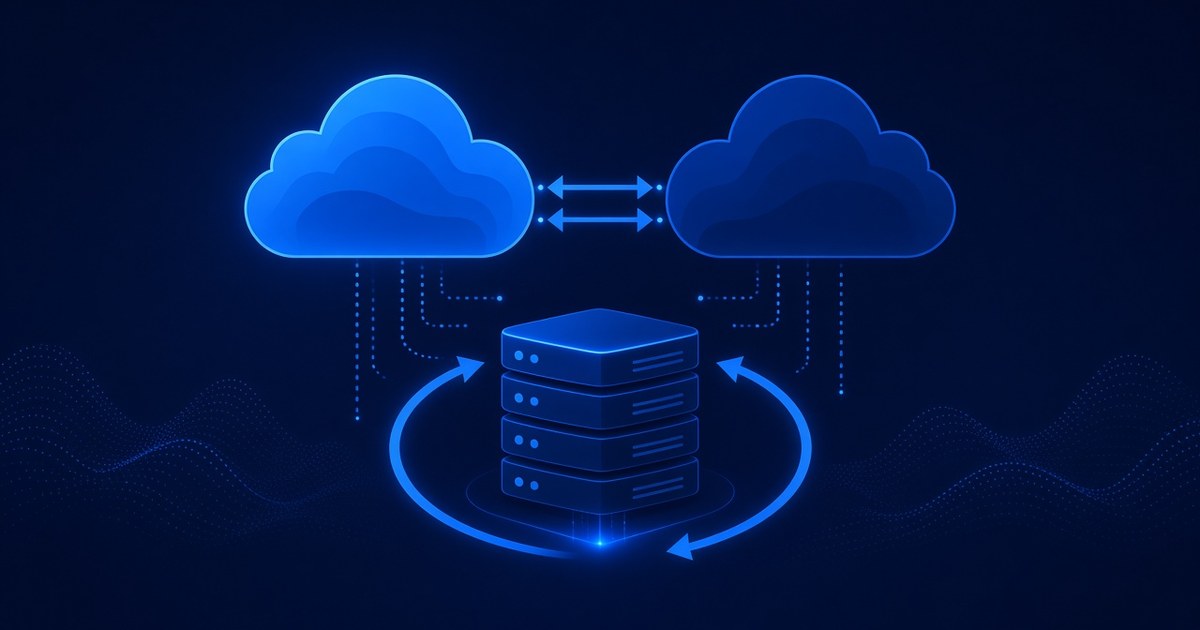
With DRaaS, a provider keeps a copy of your servers and data in a separate environment, usually in the cloud, and keeps it up to date through replication. If your primary systems fail, you can start the replicas in the provider’s environment and carry on working from there while you repair the original. When the problem is fixed, the changes are copied back.
The appeal is that you pay for a recovery capability without owning duplicate hardware that sits idle. The provider handles the infrastructure, and in many services they also help run recovery tests and the failover itself.
How it differs from backup
Backup is designed to give you a copy to restore from. DRaaS is designed to get you running again. Backup is usually slower to recover but simpler and cheaper to operate. DRaaS is faster but needs more design work. Many businesses use both: backup for long-term retention and accidental deletion, DRaaS for the systems where downtime is most costly.
Where it fits well
DRaaS suits businesses with a few critical applications that must come back quickly, limited in-house capacity to run a second site, and customers or regulators who expect a documented recovery capability.
What to examine before you choose
- Scope. Which systems are protected, and how are new ones added over time?
- Recovery targets. What RTO and RPO can the service realistically deliver for each system, and how is that demonstrated?
- Testing. How often can you run a test without disrupting production, and who performs it?
- Protection from attacks. Are copies isolated or immutable so that ransomware cannot alter them?
- Networking at failover. When systems start in a new location, how do users and applications reach them?
- Exit and data return. How is your data returned if you end the service?
- Responsibilities. Who declares a disaster and who performs each step?
A recovery planning checklist
- List your systems and rank them by how much an hour of downtime would hurt.
- Set an RTO and RPO for each important system and have the business leaders agree to them.
- Check that at least one copy of your data is stored away from your main network.
- Write a short runbook: who to call, in what order, and what to do first.
- Schedule a recovery test at least once a year and record what went wrong.
- Review the plan whenever you add major systems or change locations.
- Make sure staff know how to work during a recovery, including how to communicate if email is down.
Start small, then improve
You do not have to protect everything at the top tier on day one. A practical approach is to begin with the two or three systems that would stop the business, protect those well, test the result, and expand from there. Each test will teach you something, and a plan that has been rehearsed is far more reliable than a perfect plan that exists only on paper.
Plan your recovery with independent advice
I help businesses work out what they need to protect and how fast it must return, compare disaster recovery and backup approaches without bias towards any one provider, guide the setup and testing, and support the plan as your systems change.
See the Technology Services page for the full list, read about my cloud and DevOps services, or book a free consultation to review your current recovery readiness.