
The office phone system used to be a closet full of equipment that nobody wanted to touch. Today, many employees work from home, from a second location or from a mobile phone, and they expect to join a video meeting, send a message and take a business call from the same place. If your phone system cannot do that, you probably already feel it: forwarded calls that go missing, separate tools for meetings and chat, and a maintenance contract on hardware that is getting older.
Unified Communications as a Service, usually called UCaaS, is the cloud-based answer. This guide explains what it includes, the problems it solves and the points to settle before you switch. It is written for owners and managers, not telecom specialists.
The problem: communication scattered across too many tools
Most businesses grow their communication tools one at a time. There is a desk phone system, a separate meeting tool, a messaging app that one team adopted, and mobile phones that people use because it is easier. The result is predictable:
- Customers get different experiences depending on who answers and where they happen to be sitting.
- Staff waste time switching between tools and hunting for the right conversation.
- Adding a new employee or location means ordering hardware and waiting for installation.
- Older on-premises equipment becomes expensive to maintain, and spare parts and skilled technicians become harder to find.
What UCaaS includes
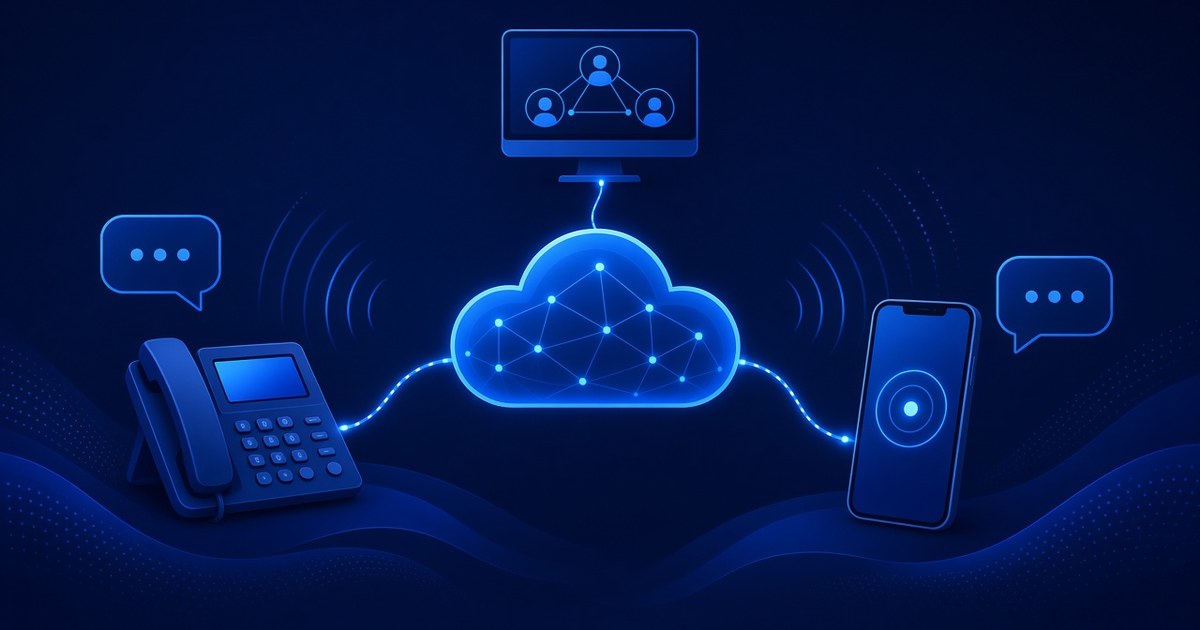
UCaaS bundles several communication functions into one service delivered over the internet. The exact package varies, but it normally covers the following.
Business calling
You get a phone system with your business number, auto attendants that greet callers, call routing, voicemail, ring groups and call forwarding. Employees can answer through a desk phone, a computer application or a mobile app, using the same number.
Meetings and messaging
Video and audio meetings, screen sharing and team chat usually come in the same package. That removes the need to buy and manage a separate tool for each.
Integrations and extras
Many services connect to customer relationship management systems, calendars and other business applications, so a call can bring up the customer record automatically. Some also include features such as call recording, analytics or simple contact center functions.
Benefits worth caring about
The advantages are practical rather than flashy. Adding or moving a user is usually a settings change instead of a technician visit. Remote and hybrid staff get the same capabilities as people in the office. The provider handles updates and capacity, so you are not responsible for aging equipment. And since users sign in with their own accounts, the business gets a clearer picture of who has access to what.
There are trade-offs too. A cloud phone system depends on your internet connection, so quality and reliability must be planned, not assumed. Features and limits differ between services, and a long contract can be hard to leave.
Issues to resolve before you buy
- Network readiness. Voice is sensitive to delay and interruptions. Check bandwidth, Wi-Fi coverage and how voice traffic is prioritized, especially at busy sites.
- Emergency calling. Confirm how 911 calls identify the caller’s location, especially for remote workers and multiple floors or buildings.
- Number porting. Moving existing phone numbers to a new service takes planning and time. Start early and keep the old service active until the move is complete.
- Devices. Decide which desk phones, headsets and conference room equipment you will keep, replace or drop.
- Call volume and special needs. Fax lines, alarm lines, overhead paging and call center teams each need their own check.
- Integrations. Confirm the service works with the business applications your staff rely on, and understand what is included and what costs extra.
- Contract terms. Look at term length, user minimums, how users can be added or removed, and what happens if you leave.
Questions to ask providers
Ask every provider the same questions so the answers can be compared fairly. How is call quality monitored, and what do you do when it drops? What is the process for porting numbers and who handles it? What reporting do I get on call volumes and missed calls? How are security updates and outages communicated? What support is included, and how do I reach a person when something is broken? Clear, specific answers are a good sign. Vague answers deserve a follow-up. If you want a second opinion on the answers, you can book a short call.
A buyer’s checklist
- Count your users, locations and the numbers you must keep.
- List the features people truly use today, and the ones they have asked for.
- Test your internet connections and Wi-Fi under realistic call loads.
- Decide which devices staff will use and who will provide them.
- Check reporting, call recording and security controls such as multi-factor authentication.
- Run a pilot with a small group before moving everyone.
- Plan training and a clear cut-over date with a rollback option.
A calm migration plan
Successful moves tend to follow the same shape. First, document how calls flow today, including who answers which numbers and what happens after hours. Second, design the new call flows, and let the people who answer the phones review them. Third, pilot with a small team and fix what you learn. Finally, switch the numbers in a planned window, keep a short list of known issues, and have someone available to help on the first day. Skipping the pilot is the shortcut that most often backfires.
Get help comparing your options
With so many UCaaS offers on the market, the real challenge is comparing them on equal terms and fitting the choice to how your teams actually work. I help businesses assess how they communicate, compare options without bias towards any one provider, guide migration and training, and support the new system after the switch.
Browse the full list on the Technology Services page, see how I approach enterprise platforms and integration, or book a free consultation to talk through your phone system plans.